
Search
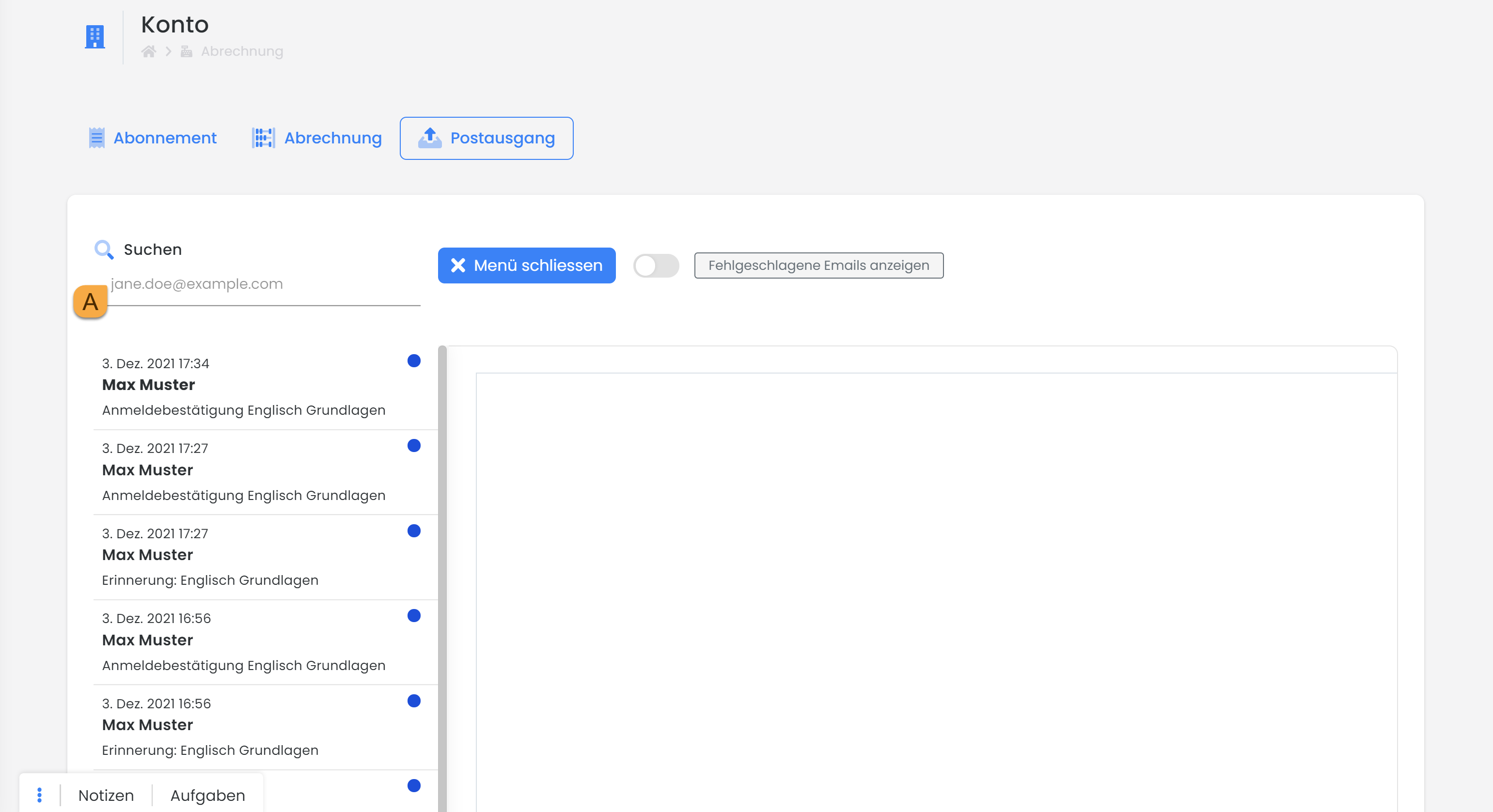
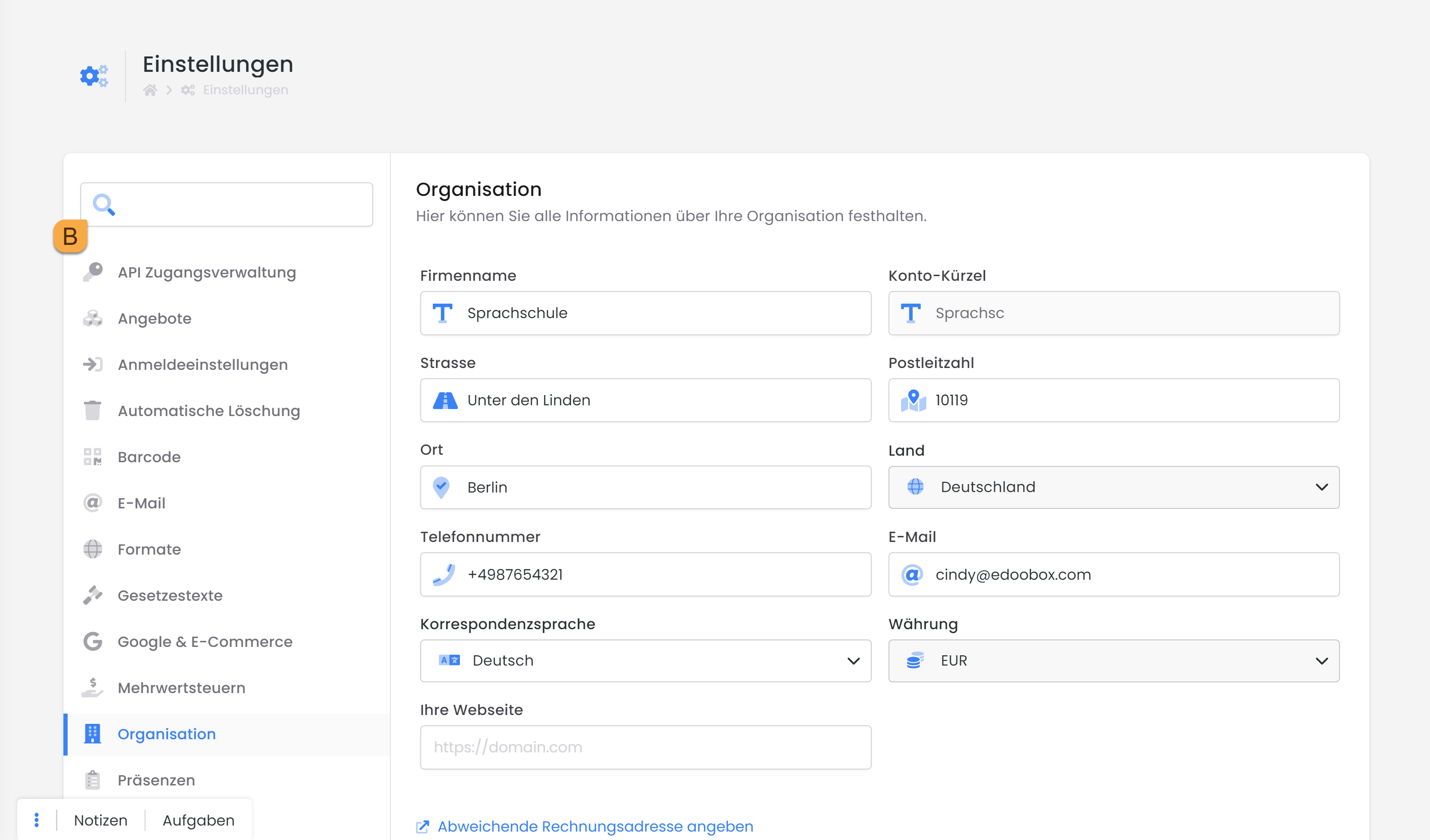
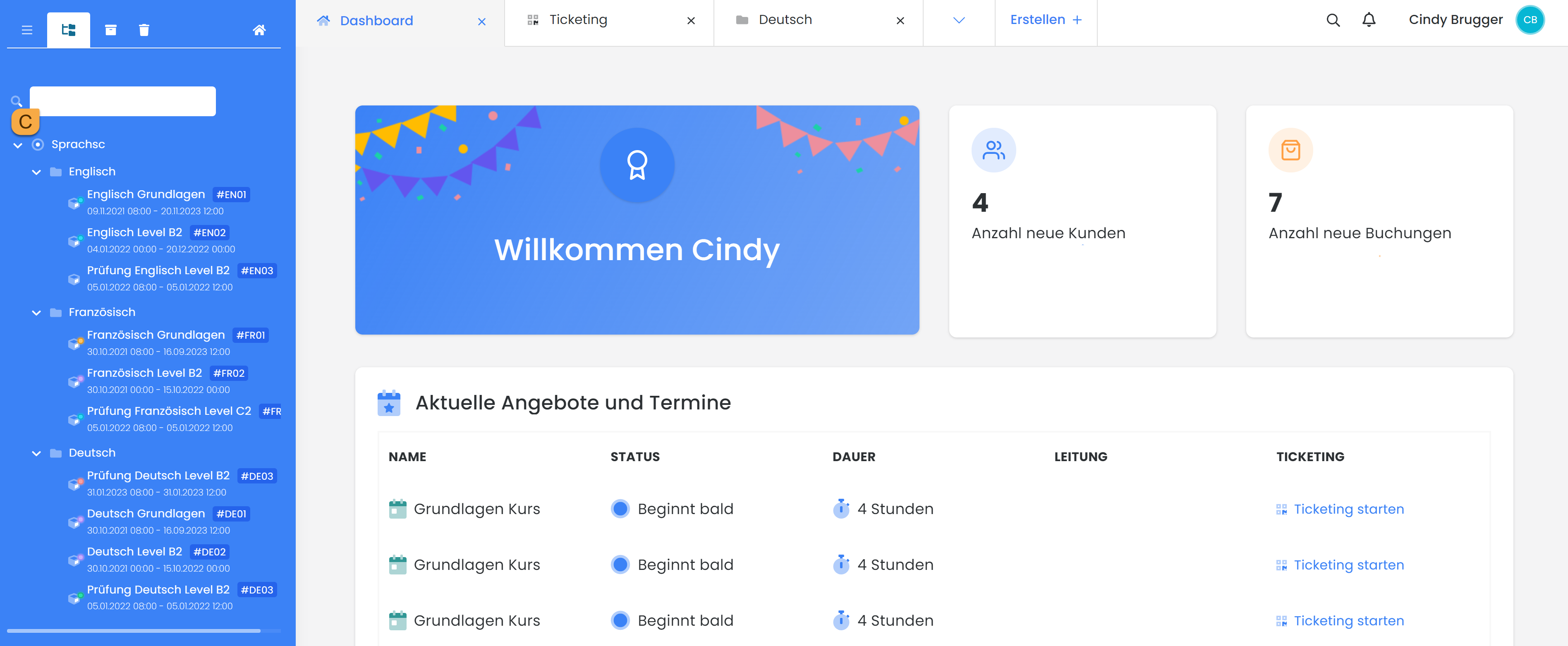
With the newly implemented search feature in the general outbox A or in the system settings B, you can quickly find what you're looking for and work even more efficiently. The familiar search fields in the quote lists and participant lists are still available. Another new addition is the search field in the quote tree C.
Filtering
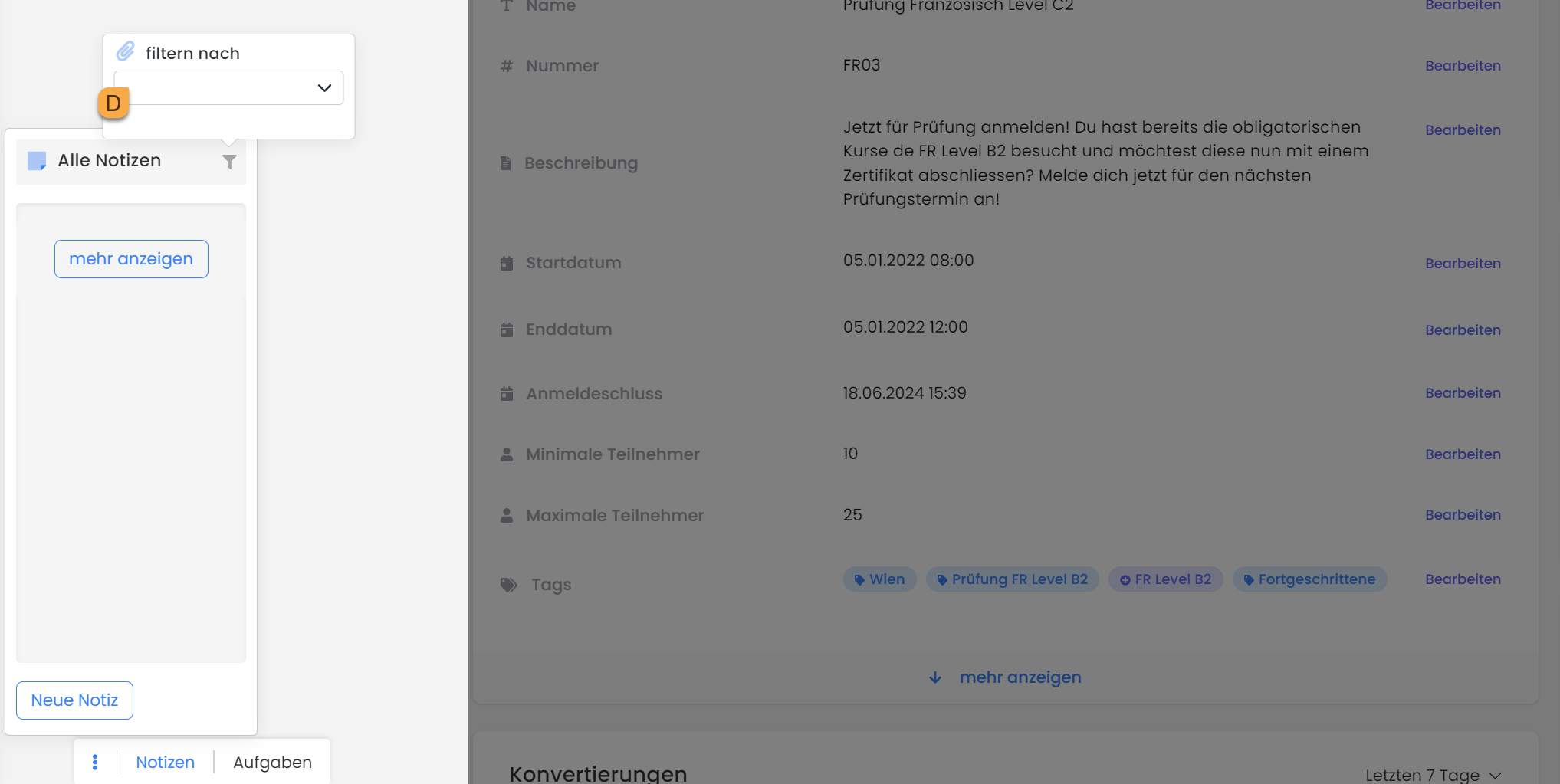
Are you working with the notes but can't find what you're looking for right away? Use the filter function D to help you.
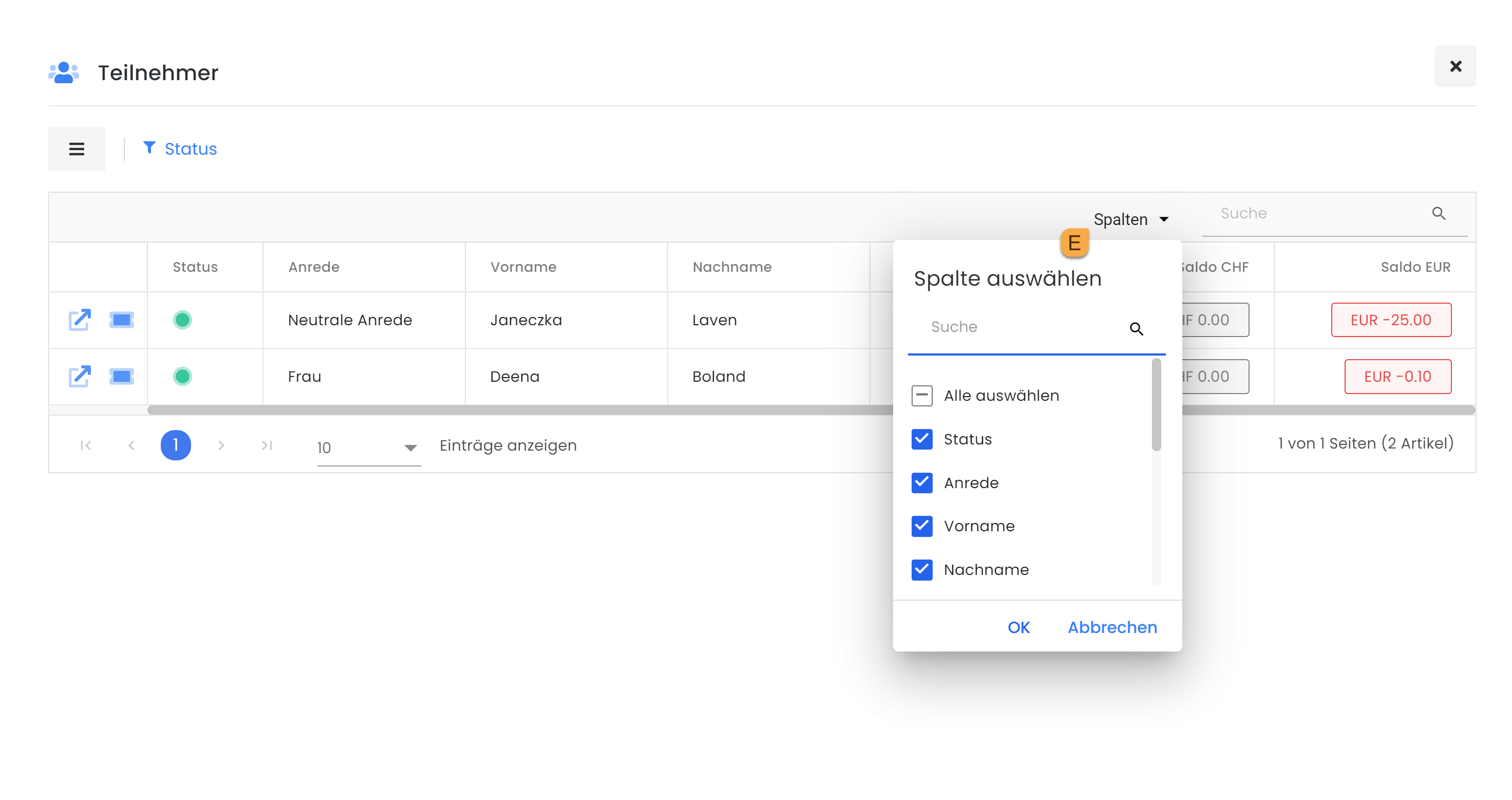
Would you like to create your own list that displays only the data you need? To do so, click on "Column" E in the relevant list and check the boxes next to the items you want to include.
Related Guides
Keywords for this guide
Search function ¦ Simplified search ¦ Filter ¦ Outbox ¦ System Settings ¦ Offer Tree