
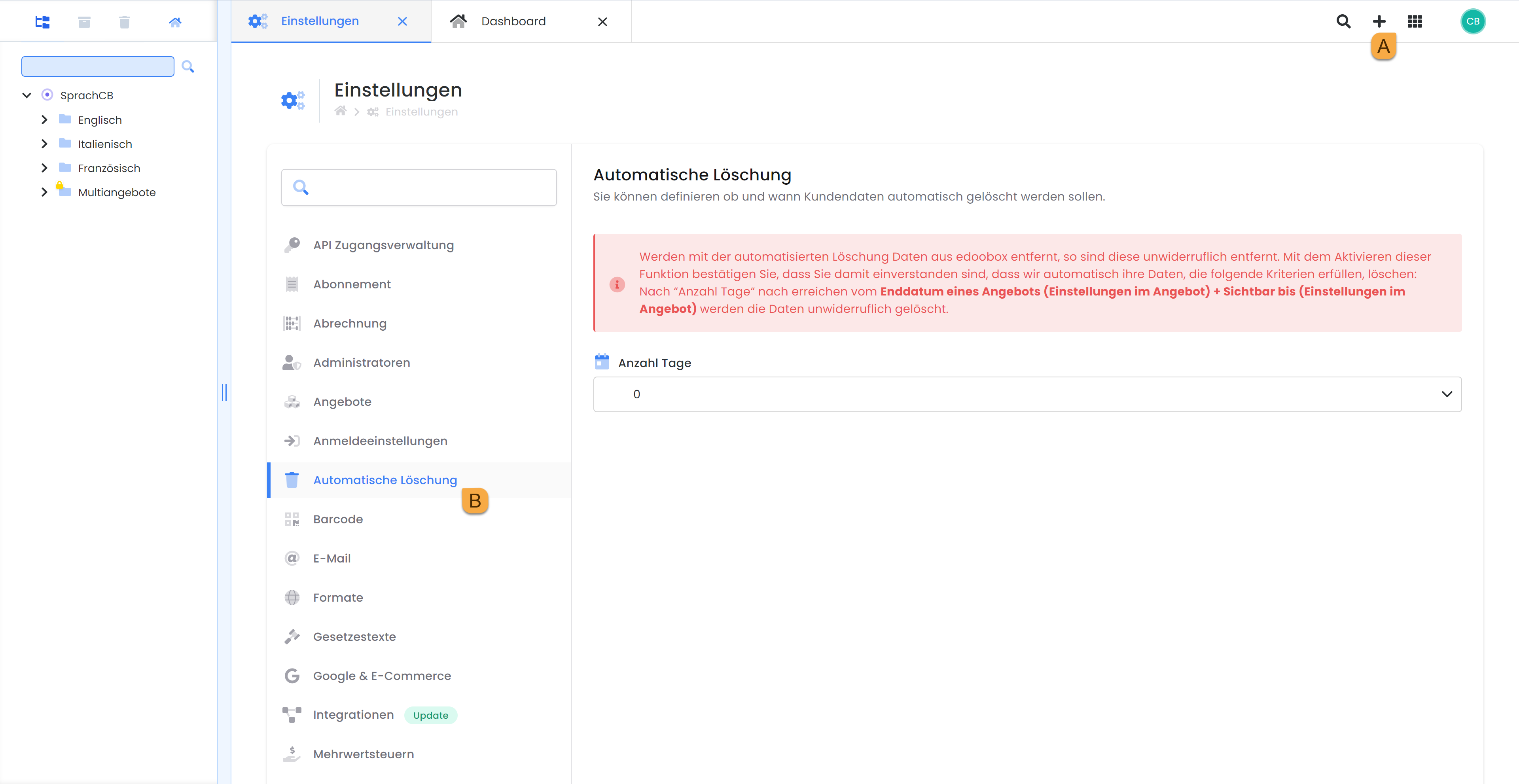
For each edoobox account, it can be defined whether, and if so, after how many days an offer, participant, their bookings, data including invoices, and emails should be deleted. In principle, a retention period of 10 years applies. However, if you have an accounting tool where you regularly export invoices and customer data, or if you save the invoices yourself, you can regularly clean up your edoobox account.
Please note: Irreversible is irreversible
If data is removed from edoobox through automated deletion, it is irrevocably removed. If data is accidentally deleted, it cannot be recovered.
Example of Deletion
Below are two examples based on a 7-day deletion period.
Offers are searched where the end date + display duration is more recent than the defined difference from today.
Example A:
-
Delete all participants after 7 days
-
The end date is April 1, 2023
-
The display deadline is 7 days after the end date
Participants would therefore be removed on April 14, 2023 (7 days deletion, 7 days after end date, display deadline)
Example B:
-
Delete all participants after 7 days
-
The end date is April 1, 2023
-
The display deadline is 7 days after the end date
-
A participant has a second booking with an end date of February 7, 2023, also with a 7-day display deadline
Participants would therefore be removed on April 21, 2023 (7 days deletion, 7 days after end date, display deadline of the most recent offer)
Tip: Deletion Time
Participant deletion is checked and executed every 24 hours.
Exceptions for when data is not deleted
To ensure that only data intended for deletion is removed, we perform various checks to verify whether an offer, participant, and booking may truly be removed.
These cases may occur:
-
A participant has another booking for an offer for which the date has not yet been reached.
-
The (master) participant is part of a group booking where at least one participant has created another booking for which the date has not yet been reached.
-
Offers for which a booking still exists, for example, because a participant has booked a new offer for which the date has not yet been reached, will remain. However, only with the bookings that are not permitted to be removed.
Affected Data
Participant
All participants for whom no exception was found will be removed. Global participants are only removed if there is no other edoobox account with a Users exists.
Bookings
Bookings are always linked to a participant; if the participant is removed, the booking is also removed.
Invoices
Invoices are also always linked to a user; here too, if the user is removed, their invoices are also deleted. The 10-year retention requirement applies to the provider itself, not to edoobox.
Email
When participants are removed, edoobox automatically deletes all emails older than the defined date, regardless of whether the participant has a more recent booking in the system.
Offerings
Bids are treated the same as participants; if no exception is found, they are removed. Bids that do not have an end date specified are not removed (e.g., a bid with the status "Draft" and no end date).
Please note: Invoices and Emails
Invoices are also removed even if they are still considered open. The same applies to participants and bookings that still have a negative balance. The link to online payment services is lost in this process. Notifications from Payment Systems would no longer be posted.
Emails are not tied to participants; therefore, they are removed on the defined date, even if the participant record remains.
Info: Impact on Statistics
edoobox statistics are accurate as far back as no data has been removed. All data prior to the defined date should no longer be used due to incompleteness. This does not affect statistics exported to external tools, such as Google Analytics.
Info: Regular Deletion
To request regular deletion, please contact edoobox Support (support@edoobox.com).
Related Guides
Keywords for this guide
Automated Deletion ¦ Participants ¦ Invoices ¦ Bookings ¦ Participant Data