
Within edoobox's existing email structure, you can create your own email templates in addition to the system templates. These templates are particularly suitable for communications that are intended to be sent purposefully and manually, rather than automatically – e.g., for collecting feedback after an event or for individual follow-up actions.
Creating Custom Email Templates
Custom email templates can be created and edited via the global email settings.
Each template consists of a subject, message body (with placeholders), and an optional PDF attachment.
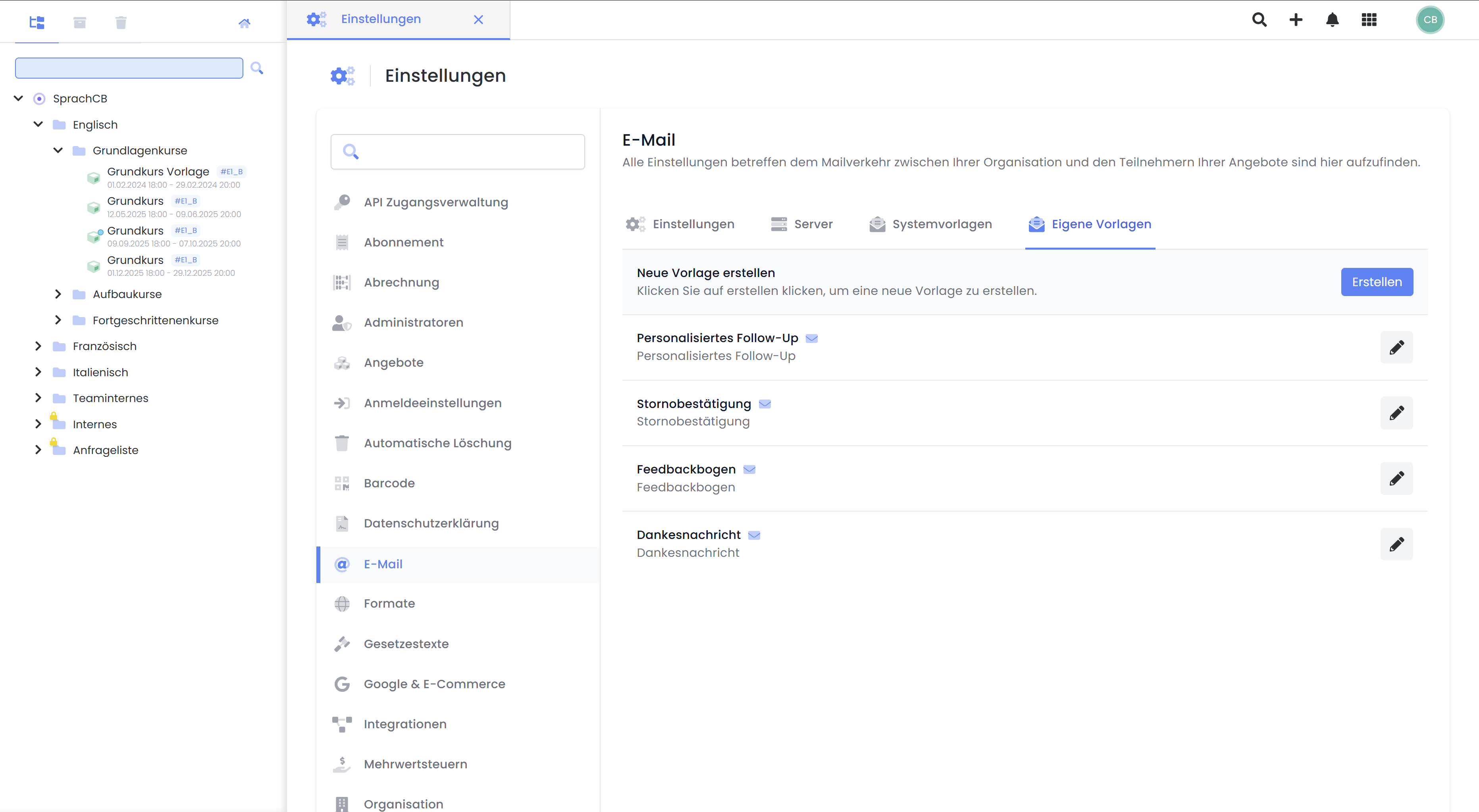
If you have activated additional languages in your edoobox account, you can translate your email template into the respective languages.
Tip: Always insert placeholders via the list menu.
We recommend always selecting placeholders directly from the list menu within the template. This ensures that the placeholder is correctly formatted and functions as intended in your email.
In custom email templates, placeholders from the Participant, Booking, Offer, and Organization groups are available.
How are custom email templates sent?
Custom email templates are not part of automated sending. However, they can be triggered specifically via tasks – e.g., scheduled after an offer. This process is described in this guide.
Related Guides
Keywords for this guide
Mail ¦ Email ¦ Settings ¦ Placeholders ¦ Templates ¦ Cloud Mailing ¦ Create Task