
Would you prefer to receive the invoice by mail instead of by email?
Using the Invoice-Letter , you can have it sent by mail. To do this, go to the desired "Participant" and click on "Invoice(s)" A.
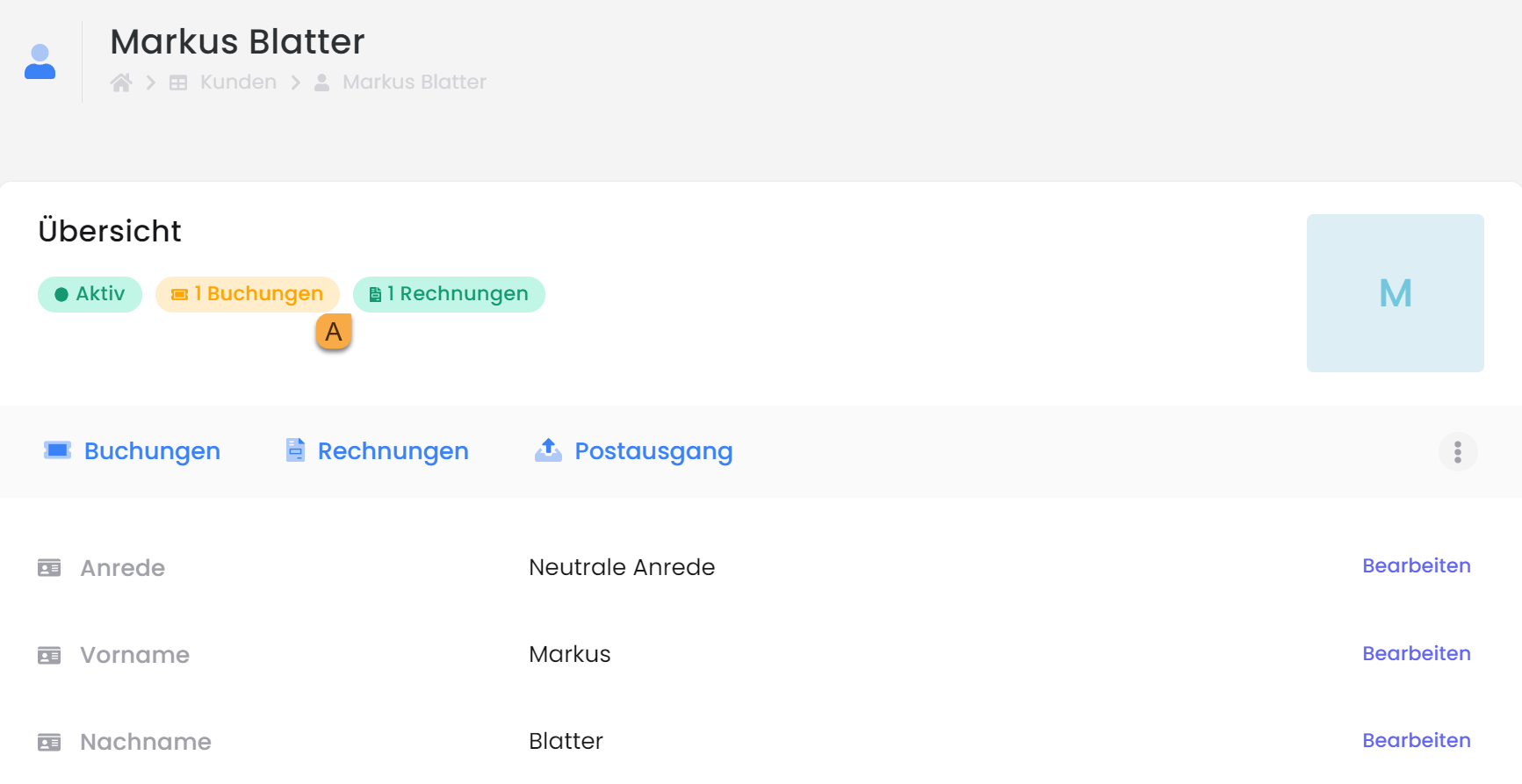
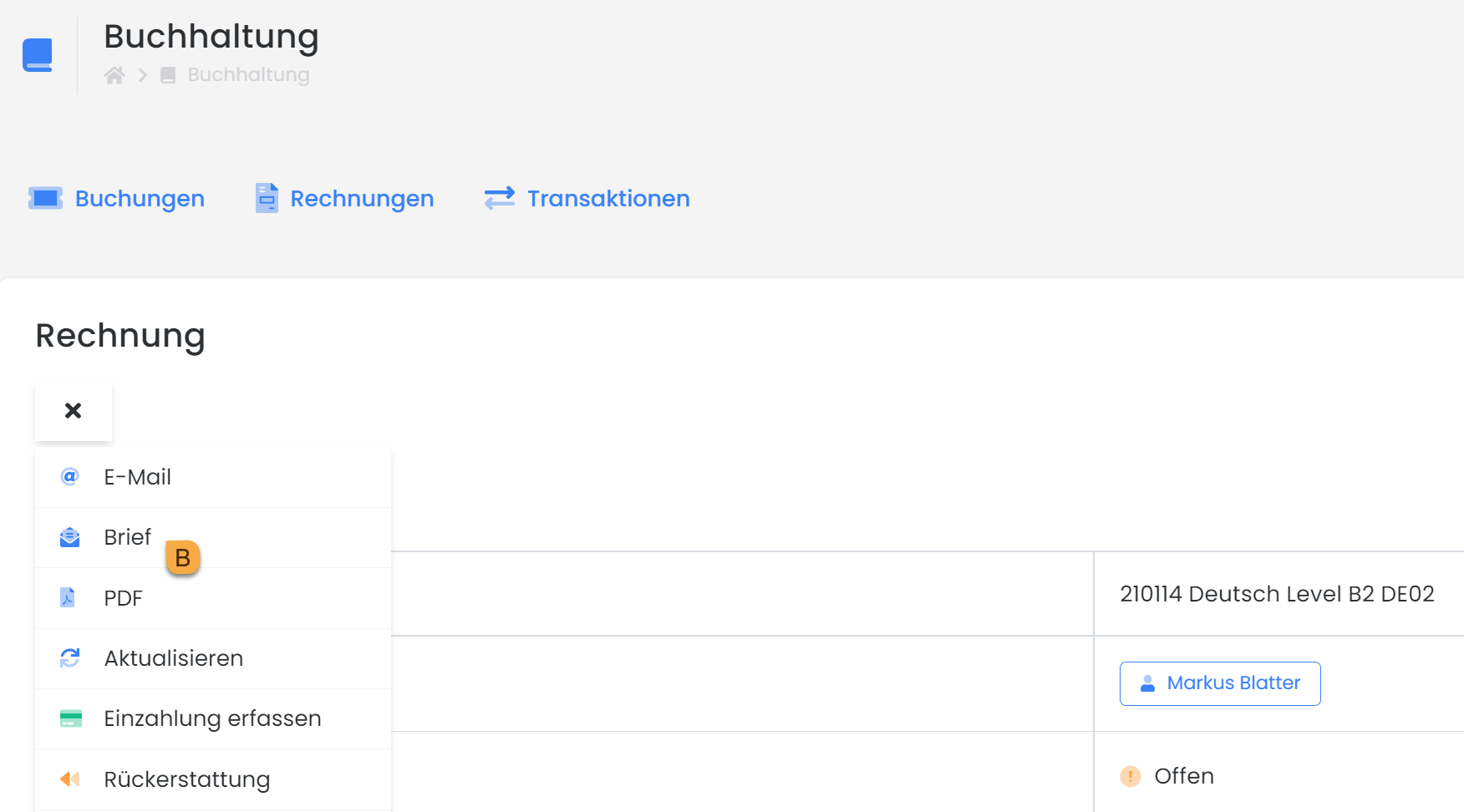
There, select the appropriate invoice. In the menu, select the " Envelope" icon and click "Send" to initiate the mailing.
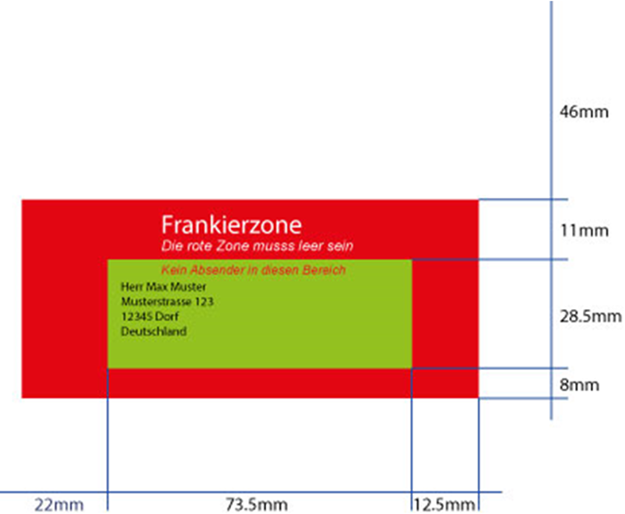
For proper printing and packaging of the letter, the franking zone in the Invoice.PDF template must adhere to the following specifications.
Tip: Formatting
Set the email template Invoice.pdf to Standard to ensure the correct formatting is applied.
Important Information
-
This function is only available if the account balance is at least EUR 15.-.
-
The address must be within the green area and left-aligned.
-
Thecountry mustbe entered!(PDF with the placeholder ##UserCountry## or enter the country manuallyif you do not ask for the country during registration.)
-
The red area is forbidden!
-
The price varies between EUR 1.00 – 2.50 (price for 1 envelope with 1 A4 page and priority shipping).
-
Letters initiated before 12 PM will arrive with the participant on the next day, excluding weekends and public holidays, of course!
-
Adjust Print Properties: Borderless Printing
-
White labeling (= a product or service offered by a company, but not under its own brand.)
Related Guides
Keywords for this guide
Invoice § Letter § Dunning § Payment System